Private Technology Coaching
One-on-one instruction based on your device, experience, questions, and personal goals.
Teladore Solutions, LLC
Patient, practical instruction that helps you use smartphones, computers, email, online services, and everyday technology with greater confidence and independence.
About Freeman
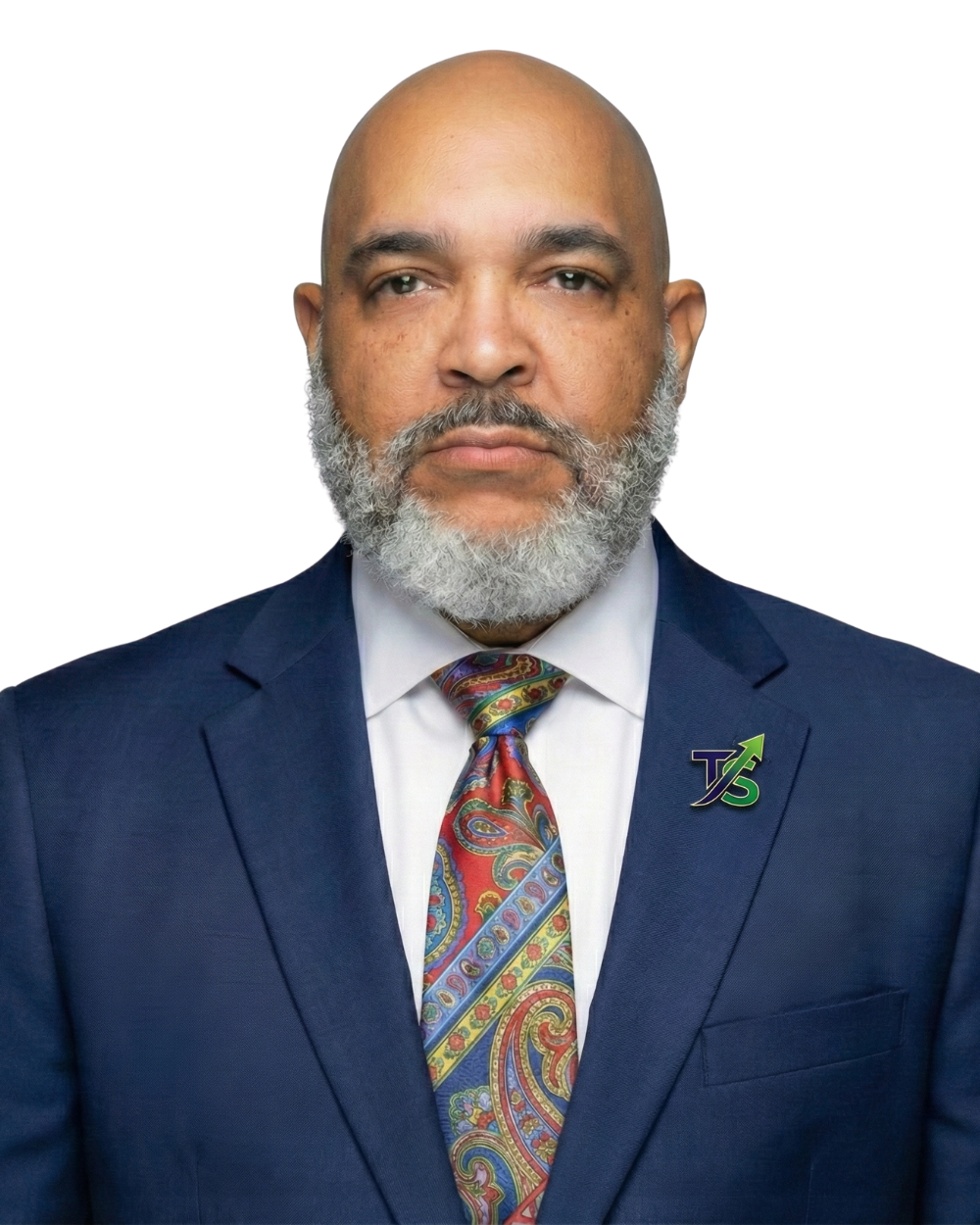
I'm Freeman Jackson — the "Freeman" in learnwithfreeman. I'm the founder of Teladore Solutions, LLC and facilitator of the 55+ Digital Learning Community.
I bring more than 40 years of leadership, management, training, and business experience to helping adults become more comfortable with technology.
My teaching approach is patient, practical, and easy to follow. I help learners understand what to do, why it matters, and how technology can make everyday life easier.
Ways I Can Help
Choose personalized instruction, live group learning, self-paced resources, or customized training for your organization.
One-on-one instruction based on your device, experience, questions, and personal goals.
Small-group sessions that make technology easier to understand through demonstrations and guided practice.
Easy-to-follow guides, videos, module overviews, and reference materials that can be reviewed at your own pace.
Customized programs for senior communities, churches, nonprofits, and other professional or community groups.
Pricing
Start free, or choose the level of support that fits your goals. No contracts required for individual plans.
Self-paced learning, open to everyone.
Small-group instruction, twice a month.
Private, focused instruction on your goals.
For churches, senior communities, and nonprofits.
| License Type | Fee |
|---|---|
| Single session (half-day training) | $500 – $750 |
| Per module license (one facility) | $200 – $400 per module |
| Annual curriculum license (all modules) | $1,500 – $2,500 per year |
| Train-the-Trainer (teach their instructor) | $1,000 – $1,500 |
| Custom / negotiated rate | Contact for quote |
Current cohort members: your transition window and any applicable details will be communicated directly by email.
How It Works
Complete the short contact and technology-interest form.
I will follow up to better understand your experience and concerns.
Select private coaching, a group class, self-paced support, or organizational training.
What Members Are Saying
"I have thoroughly enjoyed the 55+ computer class led by Freeman Jackson. I've learned a lot, questions are answered with patience and enthusiasm. No questions too small for him to answer in detail. Looking forward to learning more as we dig deeper into the course."
— Joyce Pigford
"I have been a participant in the 55+ community and I have acquired the tools needed for my business startup. The instructor Mr. Freeman Jackson was informative on the topics and made the journey easy to navigate. I really have learned a great deal and look forward to continuing at a pace suitable for my needs. Thanks so much my Computer Guru 😄"
— Thelma Wright
Contact Freeman
Complete the form and I will follow up using your preferred contact method to help you build the computer skills and confidence that support your everyday life and business success.
Email:
freeman@learnwithfreeman.com
Teladore Solutions, LLC
Opening Doors to Business Success